Scrape LinkedIn company without login
LinkedIn Company Scraper - extract public data cookieless.
LinkedIn Company Scraper
LinkedIn · $4.00 / 1K results
Pulling Linkedin company data by hand does not scale. You either copy-paste it one item at a time, or you fight the API — rate limits, auth, and pagination — and still end up with half the fields missing. For a sales / BD lead, the data only matters if it is complete, fresh, and in a sheet you can act on. That is the gap LinkedIn Company Scraper closes.
LinkedIn Company Scraper runs 368 times a month on Apify.
What you get
- LinkedIn Company Scraper - extract public data cookieless
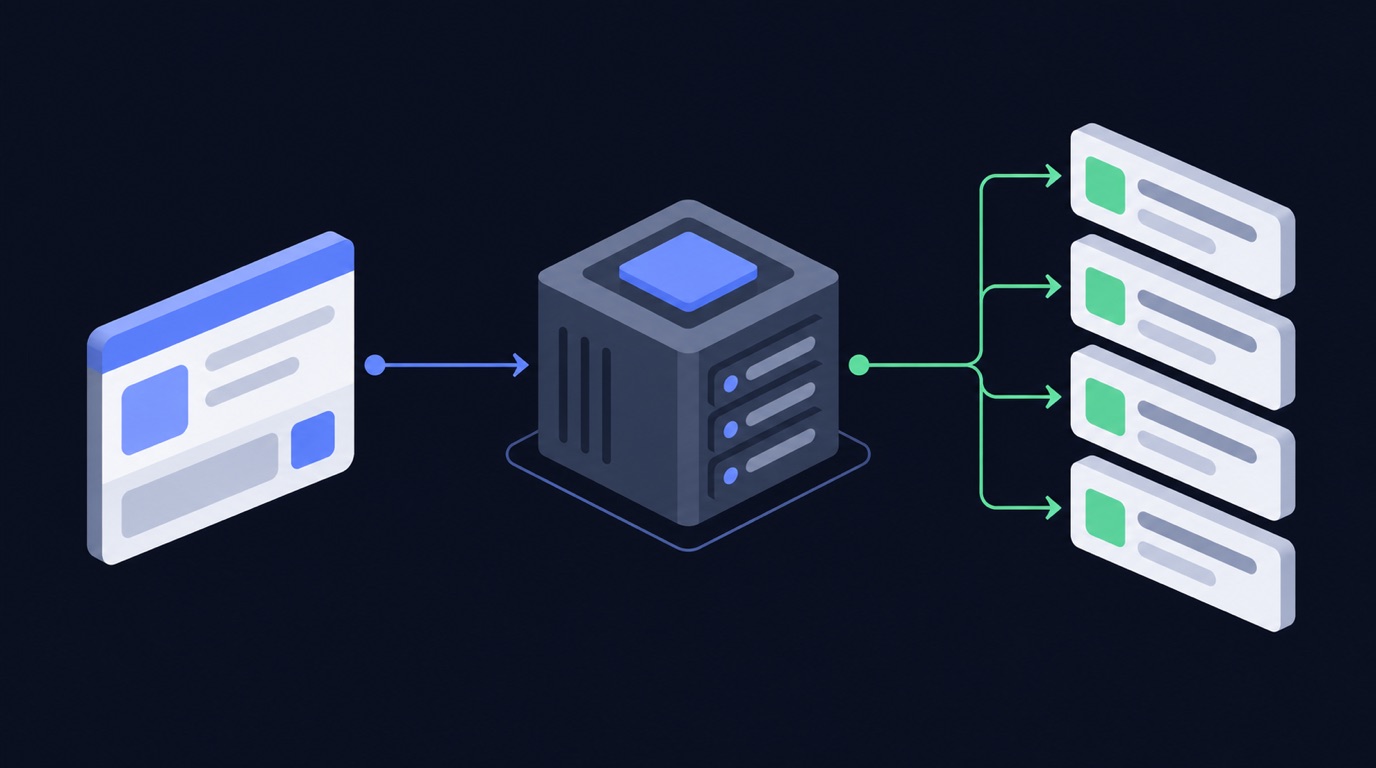
Instead of building a scraper, you point LinkedIn Company Scraper (data-slayer/linkedin-company-scraper) at your input and run it. It handles the requests, retries, and parsing, and returns one clean row per item in the format you already use.
How it works — step by step
1. Open the actor
Go to data-slayer/linkedin-company-scraper and click Try for free.
2. Paste your input
{
  "linkedin_url": "https://www.linkedin.com/company/google/"
}
3. Run it Click Start. A typical run finishes in under a minute and returns one row per company.
4. Get your data Download as JSON, CSV, or Excel, or push straight to Google Sheets / Airtable via the built-in integrations.
What the output looks like
| Field | Example | Use it for |
|---|---|---|
url |
https://…/item/ABC123 |
link back to the source |
caption |
"…" |
content analysis |
engagement |
… |
filter / sort / export |
collectedAt |
2026-09-30T12:00:00Z |
time-series / scheduling |
Why scraping Linkedin company without getting blocked is hard in 2026
Linkedin is one of the most aggressively defended sites on the web, and 2026 is the hardest year yet to pull Linkedin data at scale. If you have tried to scrape Linkedin yourself, you have probably already hit one of these walls:
- Anti-bot detection. Linkedin fingerprints the TLS handshake, the HTTP headers, and the
request timing of every client. A plain
requestscall is flagged before it ever reaches a public profile, and you get blocked with a login wall or an empty response. - Rate limits. The public endpoints throttle by IP and by session. Hit the rate limit and the API returns errors for minutes; ignore it and the account or IP is temporarily banned.
- Login walls and cookies. Many surfaces (stories, some reels, follower lists) are only served to a logged-in session, so a naive scraper needs a real login, a cookie jar, and a way to refresh it — which is exactly what gets accounts disabled.
- Pagination and shifting JSON. Linkedin changes its private JSON shape without notice, so a scraper you wrote last quarter silently returns half the fields today.
That is the difference between a script that works once on your laptop and a Linkedin scraper that runs every day without maintenance. For a company job you do not want to babysit proxies, cookies, and retries — you want the rows.
Three ways to get Linkedin data — and which one to use
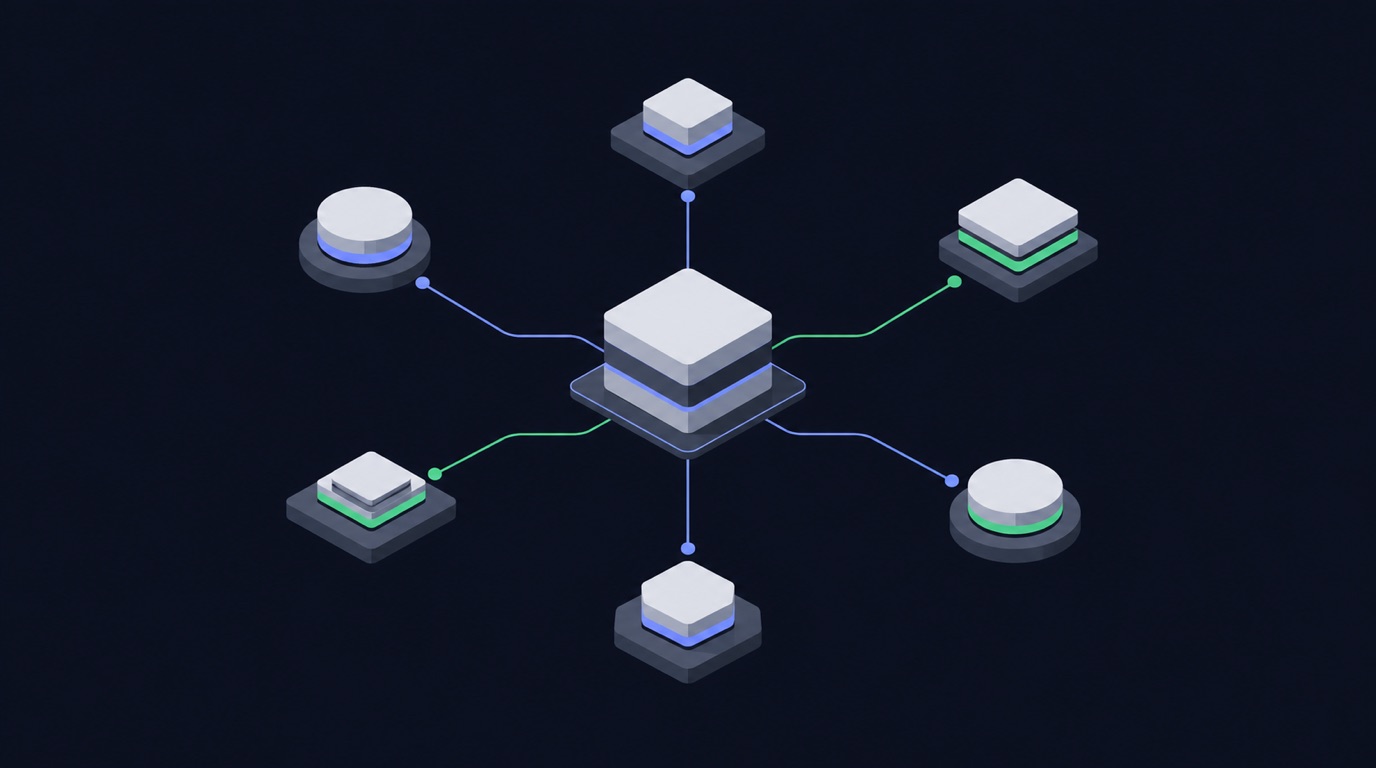
There are three honest ways to get Linkedin company data in 2026. Each has a real cost.
| Approach | How it works | The catch |
|---|---|---|
| Build your own scraper | Write a Python scraper with requests, rotate residential proxies, manage a login session, parse the private JSON |
Weeks of work, constant breakage, and you own the block/ban risk. Fine for a one-off, painful at scale. |
| Official Linkedin API | Use the platform’s own API | Heavily restricted, requires app review, returns a fraction of the public fields, and is not built for bulk extraction. |
| A ready-made scraping API / actor | Point a maintained actor at your input and download clean rows | You pay per result, but you skip the proxy, login, and parsing work entirely. |
For most company work the third option wins on total cost. A scraping API gives you the same public Linkedin data a hand-built Python scraper would, without the account-handling system around it. Apify hosts these actors and exposes them through a web scraping API, so you can run one by hand, on a schedule, or from code with the Apify API.
How to scrape Linkedin company without getting blocked
If you do build your own Linkedin scraper, these are the controls that actually keep it alive. Every one of them is already handled for you inside a maintained actor.
- Use residential proxies. Datacenter IP ranges are blocked on sight. Rotate residential proxies per request so no single IP crosses the rate limit.
- Respect the rate limit. Throttle to a concurrency the target tolerates, and back off exponentially when you see a 429. A conservative rate limit beats a fast ban.
- Send real headers and a warm session. Match a browser’s headers, keep a cookie jar, and reuse a session instead of opening a cold connection every call.
- Retry with jitter. Transient failures are normal; retry with exponential backoff and random jitter, and treat an empty body as a failure, not a result.
- Page carefully. Follow cursors to the end, dedupe by id, and stop cleanly when the feed ends — do not hammer the same page.
- Cache what you already have. Re-fetch only new items. Most “blocks” are self-inflicted by re-scraping the same public profile hundreds of times.
Do all six and you can scrape Linkedin without getting blocked for a while. Do none of them and you will get blocked on day one. That maintenance burden is the real reason teams move to a hosted Linkedin scraper instead of owning the plumbing.
What you can do with Linkedin company data
Once the rows land in a sheet, the data does the work. Four patterns we see most:
- Competitor benchmarking. Track the engagement metrics of a competitor’s public posts over time and see what format wins in your niche.
- Creator and lead discovery. Pull the public profiles behind a hashtag or keyword and build a shortlist of creators to work with.
- Content research. Export the top posts for a topic, cluster their captions and hashtags, and use the winners as a brief for your own content.
- Reporting and monitoring. Schedule the actor daily, push to Google Sheets, and let a dashboard refresh itself instead of paying an analyst to copy-paste numbers.
All of it runs on public data — no login, no personal data, and no private accounts.
Is scraping Linkedin company legal?
Scraping public Linkedin data is generally lawful in most jurisdictions, but the rules are not uniform and they change. A few principles keep you on the right side of it:
- Public data only. If a field is visible to a logged-out visitor, it is fair game in most readings; private profiles, DMs, and anything behind a login are not.
- Mind privacy law. GDPR, CCPA, and similar regimes still govern how you store and process personal data even when you collected it lawfully. Do not build profiles of individuals from public data without a lawful basis.
- Respect terms and robots. Follow the platform’s terms and its
robots.txt, and never use scraped data to harass, spam, or re-identify people. - Keep it proportionate. A steady, modest rate limit is both more ethical and more durable than a burst that degrades the service for everyone.
This article is not legal advice. When the use case is commercial and the data is personal, get a lawyer’s read before you scale.
Best Linkedin scraper: how to choose one in 2026
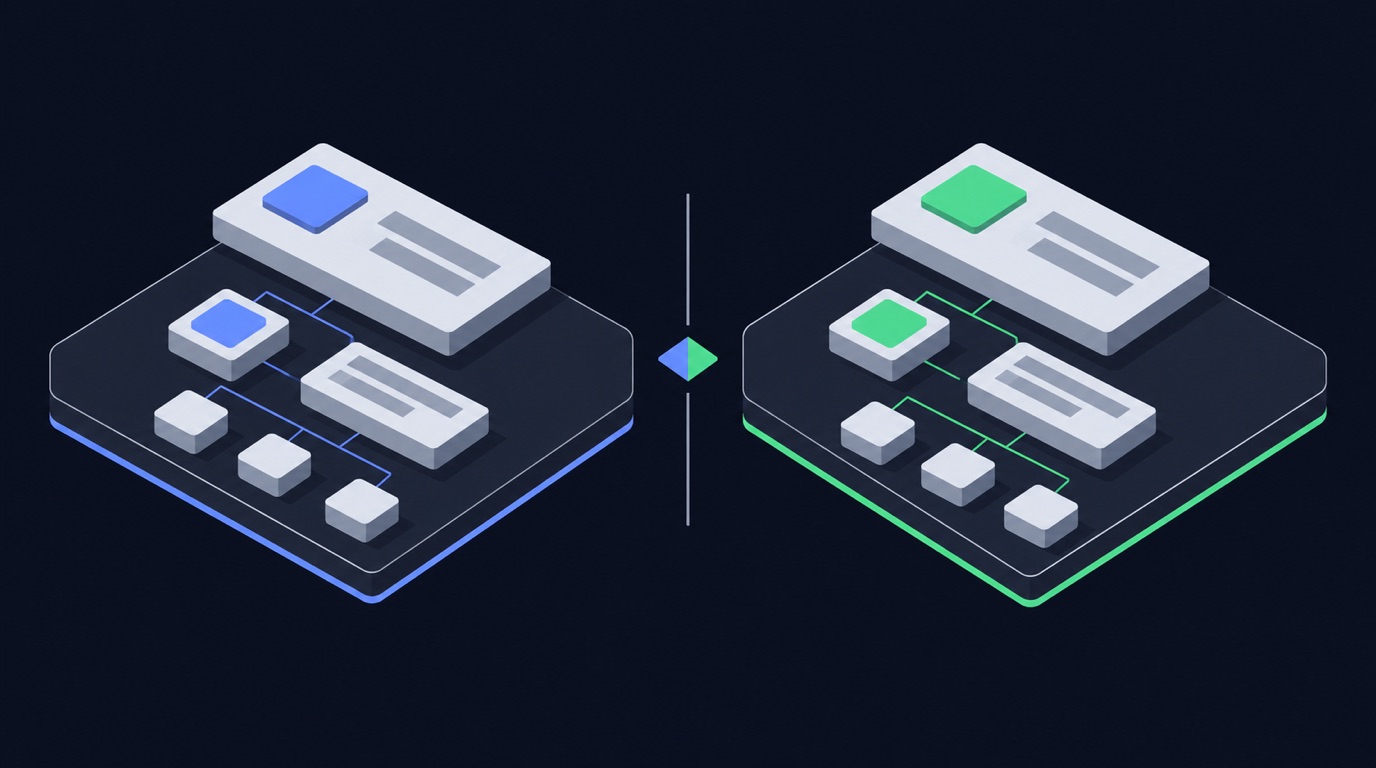
Search for the best Linkedin scraper and you get a wall of tools. The best Linkedin scraper for your job comes down to four questions:
- Does it run logged out? If a tool needs your Linkedin login, it is putting your account at risk. A good Linkedin scraper reads public data without a session.
- Does it handle the blocking for you? Residential proxies, retries, and pacing should be the tool’s problem, not yours.
- Does it return the fields you need? A tool that returns ten fields when you need fifty is a false economy.
- Can you schedule it? The value compounds when the data refreshes itself.
Across the Linkedin scrapers in 2026, the ones that last are maintained, logged-out, and API-first. That is the design of the actor on this page.
What you can extract from Linkedin URLs, posts, reels and hashtags
The unit of work is a Linkedin URL or handle. From those you can extract Linkedin data across every public surface:
- Posts and reels — captions, media, view counts, and engagement metrics.
- Comments — the public comment thread, with authors and timestamps.
- Hashtags — the public posts behind a hashtag, for trend and creator research.
- Profiles — the public profile fields a logged-out visitor can see.
You hand the actor the Linkedin URLs you care about and it returns one row per item. Because it is a single Linkedin scraper API, the same call works for posts, reels, comments, and hashtags — you do not stitch together four tools.
Linkedin scraping API vs Bright Data vs a custom build
If you have looked at Bright Data or another scraping API, the trade-off is the same everywhere: a web scraping API sells you the unblocking layer, and you still own the parsing. A hosted Linkedin scraper API goes one step further — it returns the parsed company rows, not just the HTML.
| Custom Python build | Bright Data / raw proxy | Hosted actor | |
|---|---|---|---|
| Unblocking | you build it | included | included |
| Parsing to fields | you build it | you build it | included |
| Maintenance | ongoing | low | vendor |
| Time to first row | days | hours | minutes |
Social media scraping is a maintenance problem, not a one-off script. The cheapest line item is almost never the one that costs you a week of engineering every quarter.
Linkedin company terms, explained
A quick reference for the terms this guide uses:
- profile data — the public profile or page you point the actor at. A run returns profile data for every row.
- linkedin job — part of the Linkedin company data you get back. A run returns linkedin job for every row.
- extract data — part of the Linkedin company data you get back. A run returns extract data for every row.
- company pages — the public profile or page you point the actor at. A run returns company pages for every row.
- workflow — the scheduled pipeline the actor plugs into. A run returns workflow for every row.
- data points — part of the Linkedin company data you get back. A run returns data points for every row.
- profile url — the address of the item you want to pull. A run returns profile url for every row.
- work history — part of the Linkedin company data you get back. A run returns work history for every row.
Readers also search for data scraping, data collection, job title, linkedin search, linkedin account, data protection, linkedin profile scraper, api call, linkedin data scraping, terms of service, professional data, extract profile, data enrichment, linkedin profile data, scraping tool, public linkedin profiles, scrape linkedin jobs, linkedin’s terms, linkedin’s terms of service, web scraper, linkedin scraping tools, scraping public, structured data, login credentials, profile scraping, linkedin data scraper, publicly available data, linkedin website, sales navigator search, linkedin sales navigator, free trial, api key, extract data from linkedin without, data protection regulations, data protection laws, using the api, linkedin company pages, automate data extraction, comply with data protection, linkedin data extraction, profile urls, every profile, linkedin automation, linkedin recruiter, enrich linkedin data, api integration, connection to linkedin, data privacy, get structured data, account at risk, open a linkedin, every linkedin, including linkedin, beyond linkedin, free credits, extract profile data, including the linkedin — the same actor answers all of it.
Linkedin company: linkedin profile, scraper api, data scraping, and linkedin scraper api
Teams evaluating Linkedin company work through linkedin profile, scraper api, data scraping, linkedin scraper api. Each shapes how the data is gathered and used.
scrape linkedin data, linkedin data scraping, linkedin data scraper, and profile data
Teams evaluating Linkedin company work through scrape linkedin data, linkedin data scraping, linkedin data scraper, profile data. Each shapes how the data is gathered and used.
data extraction, scrape linkedin profile, data collection, and company pages
Teams evaluating Linkedin company work through data extraction, scrape linkedin profile, data collection, company pages. Each shapes how the data is gathered and used.
sales navigator, linkedin profile scraper, data enrichment, and linkedin profile data
Teams evaluating Linkedin company work through sales navigator, linkedin profile scraper, data enrichment, linkedin profile data. Each shapes how the data is gathered and used.
FAQ
Can I scrape Linkedin without logging in? Yes — for public Linkedin data you do not need a login or cookies. The actor runs logged out on your side, which is exactly what keeps your own account safe.
Does Linkedin block scraping? Linkedin blocks naive scrapers aggressively: datacenter IPs, cold sessions, and fast bursts all get flagged. A maintained Linkedin scraper rotates residential proxies, paces itself under the rate limit, and retries cleanly, so it does not get blocked.
Do I need coding skills to scrape Linkedin data? No. You paste your input into the actor’s form and click Start — no Python, no proxy setup, no cookie handling. Developers can still drive the same actor through the Apify API.
How much does it cost to scrape Linkedin company? You pay Apify compute plus a small per-result price; check the actor’s Pricing tab for the exact rate. The free tier covers small runs, so you can test before you commit.
Can I export Linkedin company to CSV or Excel? Yes — download as JSON, CSV, or Excel, or connect Google Sheets / Airtable directly from the actor page: https://apify.com/data-slayer/linkedin-company-scraper
: What are LinkedIn Proxies and How to Use Them? Short answer: run LinkedIn Company Scraper on your Linkedin company input — it returns clean rows without a login. Full detail is above.
Are you talking about open LinkedIn profiles? Short answer: run LinkedIn Company Scraper on your Linkedin company input — it returns clean rows without a login. Full detail is above.
Can AI agents use the LinkedIn Scraper API? Open data-slayer/linkedin-company-scraper, paste your input, and click Start; developers can also call the same actor through the Apify API.
Can ChatGPT scrape LinkedIn profiles? Short answer: run LinkedIn Company Scraper on your Linkedin company input — it returns clean rows without a login. Full detail is above.
Can I scrape LinkedIn data for lead generation? Short answer: run LinkedIn Company Scraper on your Linkedin company input — it returns clean rows without a login. Full detail is above.
Can I use AI to scrape data from LinkedIn? Short answer: run LinkedIn Company Scraper on your Linkedin company input — it returns clean rows without a login. Full detail is above.
Can I use the LinkedIn Scraper API for competitive analysis? Open data-slayer/linkedin-company-scraper, paste your input, and click Start; developers can also call the same actor through the Apify API.
Can a LinkedIn scraper provide verified emails and phone numbers? Emails are only available where they are already public; this actor does not bypass a login to find them.
Comparing scraping platforms? Open data-slayer/linkedin-company-scraper, paste your input, and click Start; developers can also call the same actor through the Apify API.
Do I need a LinkedIn scraper API or any coding to get started? A ready-made scraping API skips the Python scraper, the residential proxies, and the login/cookie system you would otherwise maintain. You trade a per-result price for not owning the block risk.
Do I need proxies to scrape LinkedIn? Short answer: run LinkedIn Company Scraper on your Linkedin company input — it returns clean rows without a login. Full detail is above.
Do you have any tips here to help scrape high volumes of profiles (hundreds of thousands par week)? You can pull as many public company rows as you need; the actor pages through results and respects the rate limit so runs stay reliable at volume.
Do you provide support for the LinkedIn Scraper API? Open data-slayer/linkedin-company-scraper, paste your input, and click Start; developers can also call the same actor through the Apify API.
Do you use LinkedIn for data extraction? Short answer: run LinkedIn Company Scraper on your Linkedin company input — it returns clean rows without a login. Full detail is above.
Does Scrupp work with Sales Navigator? Short answer: run LinkedIn Company Scraper on your Linkedin company input — it returns clean rows without a login. Full detail is above.
How can I integrate the LinkedIn Scraper API with my existing systems? Yes — export to CSV/JSON/Excel or wire it to Google Sheets, Airtable, Zapier, or the Apify API for a hands-off pipeline.
How does a LinkedIn scraper work? Short answer: run LinkedIn Company Scraper on your Linkedin company input — it returns clean rows without a login. Full detail is above.
How does the LinkedIn Scraper API work? Open data-slayer/linkedin-company-scraper, paste your input, and click Start; developers can also call the same actor through the Apify API.
How is Scrupp different from an Apify LinkedIn scraper? Open data-slayer/linkedin-company-scraper, paste your input, and click Start; developers can also call the same actor through the Apify API.
How many LinkedIn profiles can I scrape per day without getting flagged? You can pull as many public company rows as you need; the actor pages through results and respects the rate limit so runs stay reliable at volume.
How to avoid getting banned while scraping LinkedIn? The actor rotates residential proxies, paces under the rate limit, and retries with backoff, which is what keeps a Linkedin scraper from getting blocked.
How to scrape LinkedIn using Python? A ready-made scraping API skips the Python scraper, the residential proxies, and the login/cookie system you would otherwise maintain. You trade a per-result price for not owning the block risk.
Who this is for
If you are a sales / BD lead, this replaces the manual Linkedin company pull. Run it on a schedule, push the output to Sheets or Airtable, and your report refreshes itself.
Related use cases
- how to scrape linkedin company without getting blocked
- how to scrape linkedin post engagers email no cookies without getting blocked
- how to scrape linkedin people without getting blocked
Try it now
Ready to run it yourself? Open LinkedIn Company Scraper on Apify →
No login, no code. Free tier included.
Ready to run this?
Every scraper in this playbook is live on Apify — no login, pay per result.